
10 Content Creation Templates for Better Output
Compare 10 content creation templates for LinkedIn posts, calendars, CTAs, repurposing, and visual content, with practical use cases and honest limits.
Grow your LinkedIn to the next level.
Use ViralBrain to analyze top creators and create posts that perform.
Try ViralBrain freeTemplates save time, not judgment. They remove the blank page. They don't supply a useful idea, a credible point of view, or a reason for someone to care. Copying a polished template without changing those parts produces content that looks finished while saying very little. A neat little productivity trap.
The strongest content creation templates support a specific job. One helps a founder write a LinkedIn post. Another gives a designer a branded visual system. A third gives a team a shared workflow for briefs, approvals, publishing, and measurement. These are different problems, so treating every template as interchangeable makes about as much sense as using a calendar to edit a video.
This list compares ten tools by the job they solve, the setup they need, their limits, and the edits required before publishing. The group covers post creation, planning, team operations, visual production, and repurposing. The selection starts with fast LinkedIn output, then moves toward full content operations.
A template should give you a useful starting shape. Your team still needs to add the facts, audience insight, voice, proof, and final review.
1. LinkedIn Post Templates from ViralBrain
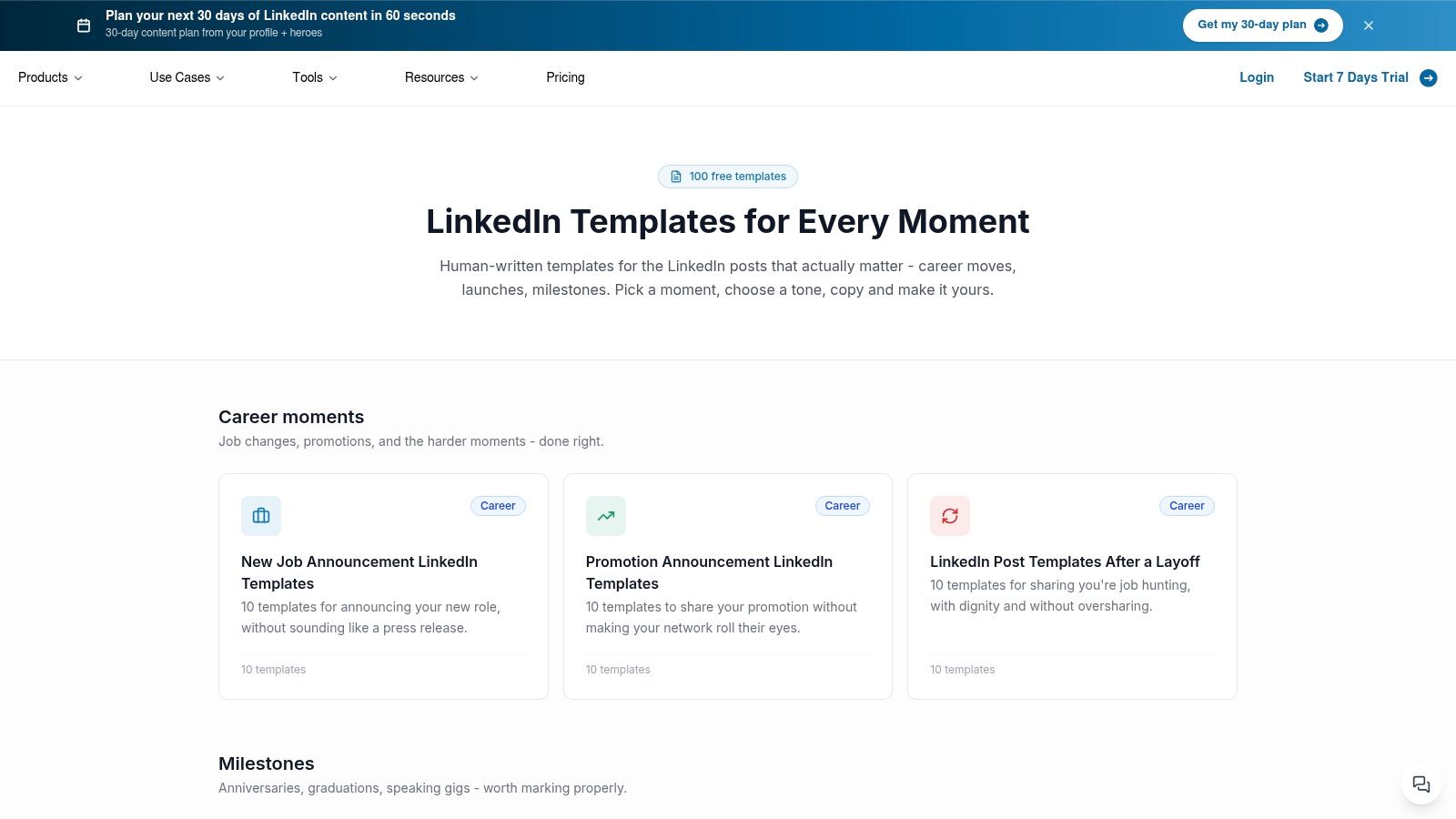
ViralBrain's LinkedIn post templates are built for the most common content problem, a person has something worth saying but keeps staring at an empty post box. The library contains more than 100 free templates, organised around moments such as a new job, promotion, product launch, milestone, announcement, job hunting, and GitHub sharing.
That organisation matters. A blank library asks you to invent both the subject and the structure. A use case library narrows the choice first. That makes ViralBrain a strong fit for founders, marketers, job seekers, sales professionals, and anyone who needs a credible draft quickly without publishing the same bland “excited to announce” post for the sixth time.
Where it helps
The templates provide hooks, structure, and calls to action written for real posting situations. You can browse a relevant collection, choose a format, replace the placeholders, then edit the draft in your own voice. The templates work on their own, while the wider ViralBrain platform adds tone personalisation, pattern translation, suggestions, analytics, image generation, and repurposing.
LinkedIn format choice deserves more attention than most template libraries give it. Socialinsider's 2026 LinkedIn benchmarks report average engagement of 5.20%, with native document posts at 7.00%, video at 6.00%, images at 5.30%, text posts at 4.50%, and links at 3.25%. Those figures don't prove that a document will beat a text post for your audience. They do show that a template should account for the format, not only the wording.
What to change before publishing
Replace every generic detail with a real event, decision, mistake, result, or lesson. Add the audience context that explains why the post matters. Cut claims that you can't support. Then remove any phrase that sounds like it came from a library, because it did.
Practical rule: Keep the structure. Replace the evidence, opinion, and voice.
A useful AI prompt is simple. “Use this structure to draft a LinkedIn post about [specific event] for [specific audience]. Keep my direct tone. Include one concrete detail, one useful lesson, and one natural next step. Do not invent metrics or add praise.” ViralBrain is the best choice here when the job is one strong LinkedIn post, not a complete marketing database.
2. Adobe Express
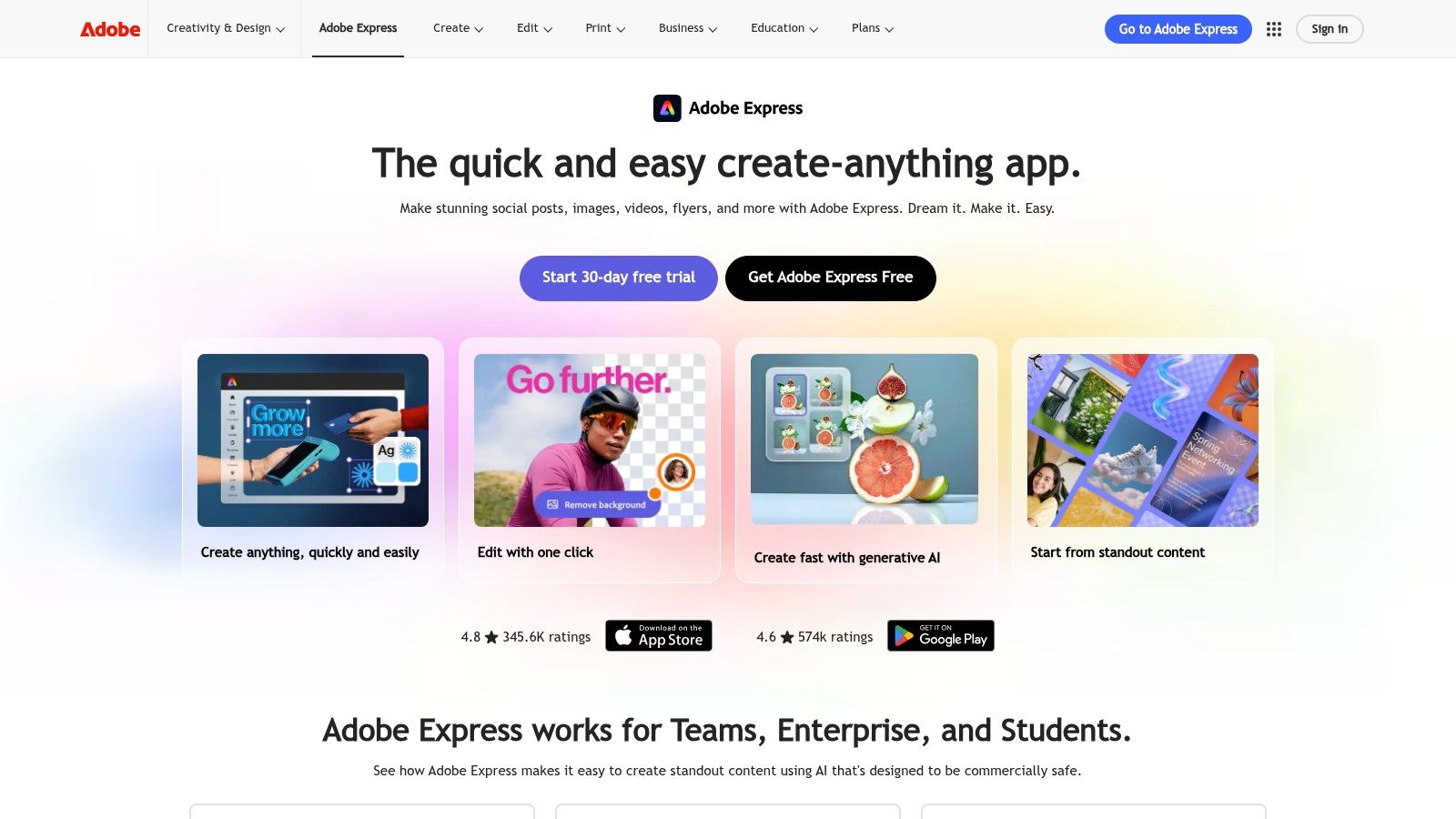
Adobe Express suits teams that need branded visuals without turning every social post into a design project. Its library includes 519k plus premium templates and 350M plus Adobe Stock assets on Premium. It supports static, motion, and video work, with brand kits, branded templates, resizing, scheduling, PDF actions, and generative AI credits on the Premium tier.
That breadth makes it useful for a marketing team with varied output. A campaign may need a social image, a short video, a presentation page, and a PDF. Adobe Express keeps those jobs close together. It also gives teams a cleaner approval and scheduling path than a folder full of half named files.
Where it falls short
The free plan has strict limits around templates and assets. Advanced AI features depend on monthly credit caps. That matters when a team treats generative effects as part of its normal production process rather than an occasional shortcut. Premium pricing is published in US dollars, but the final cost can still depend on the plan and region.
Adobe Express is a visual production tool, not a content strategy. It can keep a logo in the right place. It can't decide whether the campaign has a worthwhile message. A brand kit can make weak content look more consistent, which is a polite way of saying it can help you publish bad work faster.
What to change before publishing
Create a small set of approved layouts for distinct jobs, such as a customer proof card, a product explanation, a quote graphic, and an event announcement. Give each layout a clear use case. Don't let the team pick a fashionable design because it has a large photograph and a dramatic font.
Use this prompt when adapting a visual template. “Turn this approved layout into a LinkedIn document cover for [audience]. Keep the brand colours and type hierarchy. Replace decorative copy with one specific claim supported by [source]. Leave space for a clear next step.”
Adobe Express works best when brand governance matters. It won't solve a messy brief, so fix the brief before opening the editor.
3. Canva
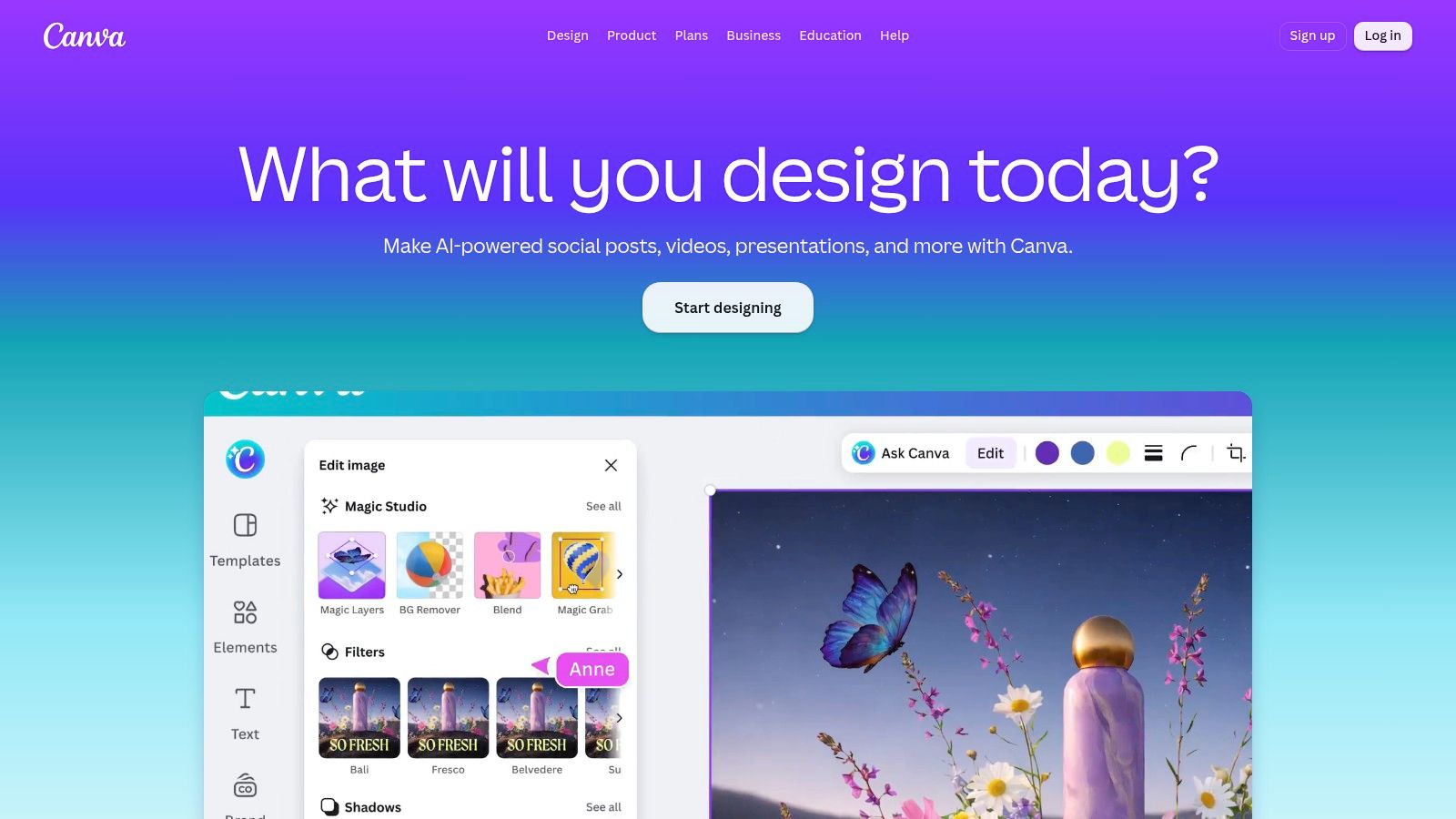
Canva is the broadest one tool option on this list. Its library includes 3.6M plus templates, covering social posts, presentations, websites, print materials, and other formats. Brand kits, one click resizing, scheduling, AI Magic tools, and team collaboration make it approachable for people who need to move from idea to publish without learning a specialist design application.
The main strength is range. A small team can create a campaign concept, social variations, a sales deck, and a printable asset in one familiar workspace. That reduces handoffs. It also reduces excuses, although someone will still claim the font was the reason the post underperformed.
The useful tradeoff
Canva is easier to start with than many design tools. Its weakness is that the library includes community made work of uneven quality. A large choice set can create a second blank page problem. Instead of wondering what to write, users spend too long choosing between templates that differ mostly in decoration.
Exact US list prices aren't always visible until sign in or checkout, and taxes vary. That makes procurement less tidy than it should be. Premium templates, governance features, and team controls may be sensible for a business, but the buying decision should follow the workflow, not the size of the template library.
What to change before publishing
Choose one visual system for each recurring content job. Set rules for headline length, image treatment, logo use, contrast, and the amount of text. Then lock the parts that should not change. Leave the message and proof editable.
A practical prompt for Canva's AI tools is “Create three visual directions for [content idea] using this brand kit. Keep the layouts simple, reserve space for one supported claim, and avoid stock imagery that suggests an experience we don't provide.” Review the output for factual fit. AI can produce a clean illustration of a service that doesn't exist with remarkable confidence.
Canva is the right template hub for non designers who need many formats. It is less suitable when a team needs strict editorial control over every asset.
For teams comparing wider creator software options, this guide to streaming software for agencies provides a separate comparison point.
4. Jasper
Jasper focuses on reusable marketing copy rather than visual production. It offers more than 100 purpose built agents and templates for hooks, frameworks, ads, posts, emails, and other marketing jobs. Brand Voice, style guides, a Canvas editor, long form and short form workflows, enterprise controls, SOC2, and a model flexible architecture make it a serious option for teams that produce copy across channels.
Jasper's strongest use case is not “write something about our product.” That prompt is an invitation to receive safe mush. The better use case is a repeatable brief with a defined audience, offer, proof point, format, and voice. The template becomes a guardrail for the brief rather than a substitute for one.
Where it earns its place
Brand Voice and style guidance can reduce the drift that appears when several people or tools write for the same company. Canvas gives teams a shared space for longer work, while the template library supports recurring formats. The Pro plan has clear monthly and annual options. Business features, advanced agents, and API access require a custom priced plan.
The tradeoff is setup. Jasper asks for more thought than a prompt in, text out tool. That extra work is useful for a team with a real brand voice. It is wasted effort for someone who only needs one short announcement and has no repeatable process yet.
What to change before publishing
Feed the template with facts that the system can use. Include the customer's problem, the product's actual role, the evidence available, words to avoid, and the action you want the reader to take. Ask for uncertainty to be flagged rather than filled with invented detail.
Try this prompt. “Draft three versions of this [format] for [audience]. Use the supplied brand voice. Make one argument per version. Use only the facts in the brief. Mark any missing proof as [needs evidence]. Avoid generic praise and empty urgency.”
Jasper is a good fit for a marketing team that needs consistent copy across several channels. It is not the cheapest way to discover what the company wants to say.
5. Taplio
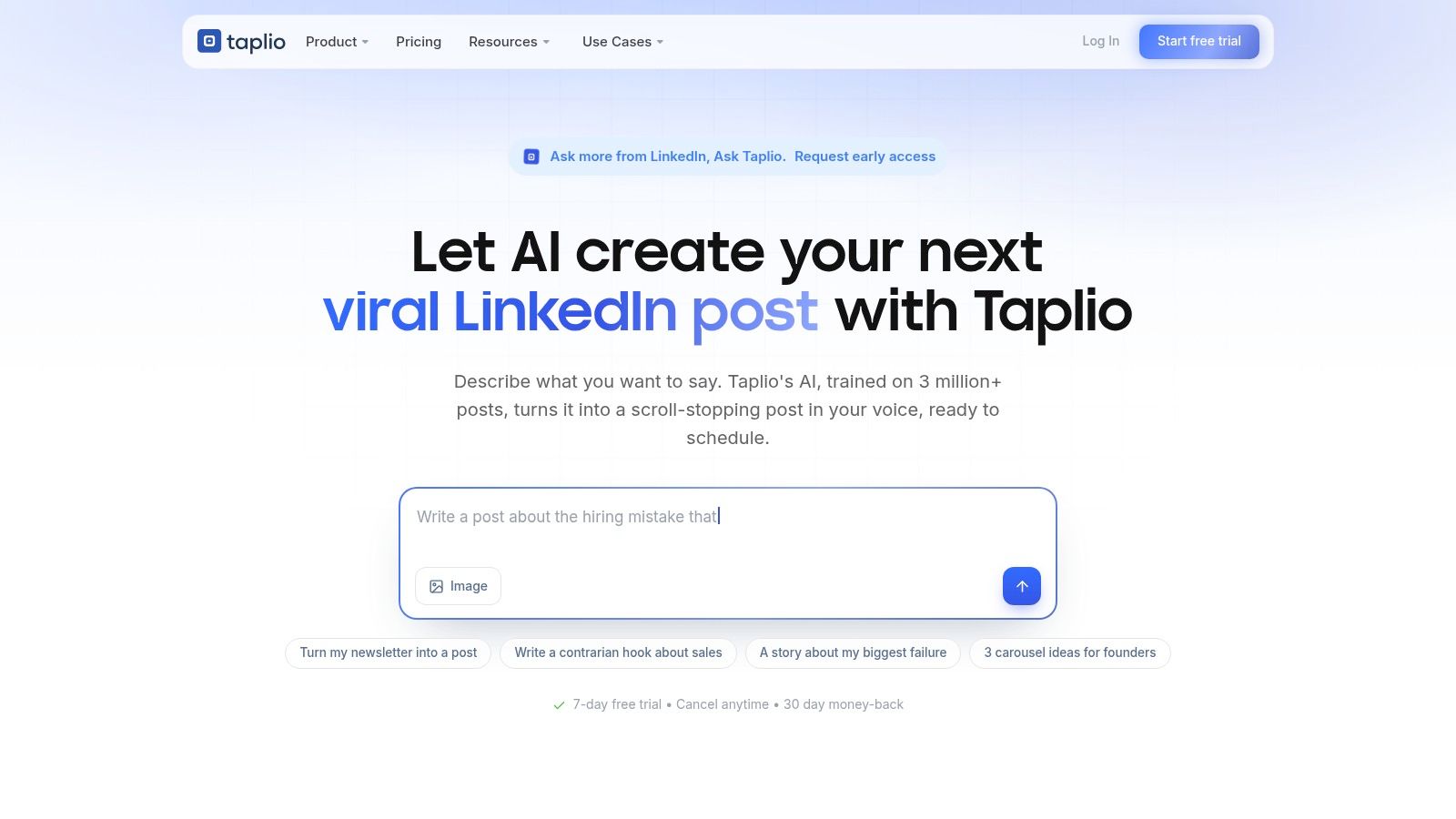
Taplio is built around LinkedIn rather than general social publishing. Its templates cover hooks, post formats, carousels, rewrites, and repurposing from articles or YouTube content. Scheduling, analytics, and engagement tools connect the writing task with a LinkedIn workflow, which makes it useful for personal brands, B2B lead generation, founders, and sales teams.
The platform's value comes from platform fit. A generic social tool may give you a square image and a caption. Taplio is more likely to help with a LinkedIn hook, a carousel structure, or a post adapted from a longer source. That saves the user from translating a format designed for one network into another one that has different reading habits.
The data you can use
LinkedIn's own post analytics help lists reactions, comments, reposts, saves, sends, and link clicks among possible engagement measures for supported content. A useful template should give you a place to define the intended action. “Get engagement” is not a measurement plan. A save, a comment from a target buyer, and a link click imply different content choices.
Taplio's entry tier has AI credit limits, while stronger features sit on higher tiers. It also focuses on LinkedIn, so it isn't the natural choice for a team that needs one scheduler for every social network.
What to change before publishing
Turn a source into a point of view. Don't paste a video summary into a post and call it repurposing. Extract one claim, explain why it matters to the audience, add a specific example, and remove anything that only makes sense in the original format.
Use this prompt. “Convert this source into a LinkedIn post for [buyer]. Keep one central idea. Add my opinion, one concrete example, and a useful question for the reader. Do not summarise every section. Do not invent results or quotes.”
Taplio is the practical choice for a LinkedIn first workflow. It becomes less useful when the team needs deep brand design control or broad channel scheduling.
6. HubSpot Content Template Library
HubSpot's content template library is a planning and documentation resource rather than a publishing application. It offers more than 150 content templates across documents, sheets, and slides. The collection includes editorial calendars, personas, briefs, blog formats, social copy, press releases, and planning kits.
That makes it useful for a team that has ideas but no shared process. A documented brief gives a new writer more than a topic. It can define the audience, purpose, channel, offer, source material, reviewer, and next action. Those fields prevent the familiar office ritual where three people discover that nobody knows who the content is for.
Some downloads require an email form. The files are mostly static, so collaboration depends on the tools you use after downloading them. The library is a starting point, not a content operating system.
For a broader look at content strategy templates, connect each document to a decision. A persona should influence the message. A calendar should reflect a business priority. A blog brief should state what evidence the writer needs before drafting.
What to change before publishing
Delete fields that no one uses. Add fields that expose risk. A useful brief may need a source column, a claim owner, a funnel stage, a distribution format, and a review status. It doesn't need a ceremonial box for “creative vibes.”
Ask AI to improve the document, not to fill it with fiction. “Convert this planning template into a brief for [topic]. Keep only fields needed to approve, create, publish, and measure the work. Identify missing audience information and evidence. Do not write the article.”
HubSpot works well for simple planning documents and onboarding. It falls short when the team needs live relationships between assets, tasks, approvals, and performance data.
7. Notion Template Gallery
Notion's template gallery offers 30k plus entries from Notion and its community. Content calendars, campaign trackers, briefs, creator workflows, databases, and filtered views make it a flexible choice for teams that want to build a lightweight content system.
The one click duplicate action gets a team moving quickly. Native databases let users connect a brief to a campaign, an owner, a status, a channel, and a publishing date. The system can start small, then grow as the team discovers which information it truly needs. That last part matters. Teams don't need a bigger template. They need fewer unused properties.
The strength is the blank space
Notion is highly customisable. You can design a workflow around a founder's posts, a newsletter, a product launch, or a small editorial team. You can create views for writers, editors, executives, and distribution managers without asking everyone to work in the same screen.
Quality varies across community templates. You still need separate analytics and scheduling tools. Notion can record that a post went live. It won't tell you whether the post attracted the right buyers unless you connect the result yourself.
A flexible database becomes useful only after someone decides what the team must know before work starts.
What to change before publishing
Start with four decisions. Define the content owner, the intended audience, the publishing channel, and the success signal. Add a source or proof field before adding decorative dashboards. A tidy workspace that stores unsupported claims is still a tidy liability.
Use this AI prompt inside a duplicated workflow. “Review this content database for [team type]. Remove properties that don't support planning, production, approval, distribution, or measurement. Add a field for evidence and a field for the intended reader action. Keep the workflow simple.”
Notion is best for a flexible creator workflow. It is a poor choice when nobody owns the system. Customisation without governance is just a prettier form of avoidance.
8. ClickUp Marketing and Content Templates
ClickUp's marketing templates suit teams that already manage work in ClickUp. The templates include content calendars, briefs, campaign workflows, status fields, views, assignments, approvals, and automations. They give a marketing team a stronger operational layer than a document or a loose spreadsheet.
The main job here is coordination. A writer can see the brief. A designer can see the asset request. An editor can see what needs review. A manager can see blocked work without asking for a status update in a chat channel that nobody will find later.
When it makes sense
ClickUp saves setup time for teams that already use its tasks, lists, and statuses. Its editorial and marketing blueprints can provide a sensible starting workflow. The value drops for a small team that doesn't use ClickUp elsewhere. Onboarding a new system can create more work than the template removes.
Social scheduling is indirect and usually needs a separate scheduler. ClickUp can manage the production path, but it isn't automatically the final publishing destination. That distinction matters when a team assumes “approved” means “live.”
What to change before publishing
Map the workflow to real handoffs. Use statuses such as brief approved, draft ready, review needed, changes requested, approved, scheduled, and published only if someone acts on them. Add one owner for every stage. Shared responsibility often means nobody opens the file.
Prompt the system or your project lead with this request. “Design a content workflow for [team]. Include one owner per stage, approval rules, source requirements, and a publishing handoff. Remove steps that don't change the work. Keep social scheduling outside the workflow unless a direct integration exists.”
ClickUp is the stronger option for end to end team operations when the organisation already works there. It is not the lightest route for a solo creator.
9. Airtable Content and Editorial Calendar Templates
Airtable's content calendar templates take the database approach further. Ready made editorial bases support calendar, Kanban, gallery, and other views. Integrations, automations, shareable interfaces, and partner connections make Airtable useful when many channels, stakeholders, and asset types need to stay connected.
Airtable's advantage is structure. A campaign can link to its content items. A content item can link to its audience, owner, channel, asset, status, source, and result. That relational model helps a team avoid copying the same information into several unrelated documents.
The cost of structure
The tool is heavier than a spreadsheet for a very small team. Seat based pricing can grow as more stakeholders need access. More views and automations also create more places for a workflow to break. A database is not automatically better because it has more fields. It is better when the relationships answer a real operational question.
Use Airtable for a multi channel operation with recurring campaigns, not for one person planning occasional posts. The setup effort makes sense when the team needs reliable filtering, ownership, and handoffs.
Before publishing, require a source field for every material claim and a final approval field for public assets. An AI prompt can help audit the base. “Review these content records for missing audience, owner, source, format, and call to action fields. Flag gaps only. Do not infer missing details.”
Airtable is the strongest choice here for structured content operations. It can be excessive for a creator who mainly needs a clean list of ideas.
10. Kapwing Templates
Templates do not make a video watchable. They remove repetitive production work, which is useful only after the source and opening have earned attention. Kapwing's template library supports quick social video production, resizing, subtitling, translations, memes, and short-form edits. Its web editor uses placeholders for footage, text, and branding, so teams can adapt assets without rebuilding each version. Paid tiers support watermark-free exports, while Pro adds team collaboration and larger upload limits.
Kapwing's strongest job is video repurposing. A long interview can become a subtitled short clip. A product explanation can become a social cutdown. One visual concept can move through several aspect ratios without sending a designer back to repeat mechanical edits. For teams comparing AI-assisted video workflows, this AI video creator provides an alternative reference point.
Where it falls short
Brand governance is lighter than in a full design suite, and the Business tier may become expensive per seat for some teams. Speed also creates a predictable editorial problem: subtitles appear, but the first seconds still fail to explain why viewers should continue.
Subtitles improve access. They do not rescue a weak opening.
Change the template around the source. Keep the clearest claim or strongest moment, then remove pauses, throat clearing, and context that depended on the original recording. Check each subtitle against the audio, especially product names and technical terms. Review the first seconds as a separate asset, not as leftover footage.
Use this prompt before editing: “Select the strongest standalone segment from this transcript for [audience]. Keep the speaker's wording accurate. Mark the opening sentence, remove repetition, suggest subtitle breaks, and flag any claim that needs a source. Do not invent a stronger result.”
Kapwing suits focused video repurposing sprints. It will not replace a full brand system, but it can keep a useful source video out of a forgotten folder.
Top 10 Content Template Tools, Quick Comparison
| Product | Core features & USP | UX / Quality | Best for | Price / Notes |
|---|---|---|---|---|
| LinkedIn Post Templates – Free Copy‑Paste Templates | ViralBrain | 100+ human‑written LinkedIn templates by use case; proven hooks, structures, CTAs; integrates with ViralBrain AI (tone, analytics, pattern translation) | Plug‑and‑play; fast discovery by moment; preview & draft saving; best when personalized | Founders, marketers, job‑seekers, professionals needing scroll‑stopping LinkedIn posts | Free; pairs with ViralBrain paid tools for AI tailoring & analytics |
| Adobe Express | Massive template + Adobe Stock library; brand kits; generative AI credits; built‑in scheduler | Enterprise asset depth; clean approval/scheduling workflows | Teams needing brand governance, repurposing, and assets at scale | Free tier limited; Premium with monthly AI credits (published USD pricing) |
| Canva | 3.6M+ cross‑format templates; brand kits, one‑click resize, Magic AI, team collaboration | Very low learning curve; broad format support; template quality varies | Non‑designers who want a one‑tool hub for social, decks, web, print | Free + Pro/Business tiers; pricing varies by plan (some prices behind sign‑in) |
| Jasper | 100+ marketing agents/templates; Brand Voice & Canvas editor; enterprise controls | Produces on‑brand copy at scale; steeper learning curve than simple tools | Marketing teams scaling consistent, channel‑specific copy | Pro pricing visible; Business/Enterprise for advanced automations (custom pricing) |
| Taplio | LinkedIn‑specific generators: hooks, post formats, carousels; repurposing & scheduling | Purpose‑built LinkedIn UX; strong repurposing; entry AI credit limits | Personal branding, B2B lead gen, LinkedIn power users | Tiered plans; best features on higher tiers (AI credits vary) |
| HubSpot Content Template Library | 150+ fill‑in templates (calendars, briefs, social copy) with usage guides | Practical, documented formats; static files often gated by email | Teams needing repeatable processes and new‑hire ramp materials | Mostly free resources (email required for some downloads) |
| Notion Template Gallery | 30k+ community & official templates; native DBs and one‑click duplicate | Highly customizable; quality varies across community templates | Teams building a lightweight content OS and editorial workflows | Many free templates; Notion plan applies for advanced features |
| ClickUp Marketing & Content Templates | Content calendars, status fields, views, automations; Template Center | Integrated with task & approval workflows; saves setup time | Teams already using ClickUp wanting end‑to‑end content pipelines | Included in ClickUp plans; onboarding overhead if not already using ClickUp |
| Airtable Content/Editorial Calendar Templates | Relational editorial bases with multi‑view calendars, automations, integrations | Structured & scalable for complex ops; heavier than spreadsheets | Multi‑channel, multi‑team content operations | Seat‑based pricing; can grow costly as stakeholders increase |
| Kapwing Templates | Video & social post templates, auto‑subtitling, quick edits and resizing | Very fast for short‑form video production; collaboration on Pro | Teams running fast social/video sprints and repurposing clips | Free tier limited; Pro removes watermarks and increases limits; Business per‑seat pricing |
Pick the Smallest System That Works
The right template depends on the job, not the size of the library. A single LinkedIn post needs a useful structure and a sharp edit. A content team needs ownership, evidence, approvals, distribution, and a way to learn from results. Buying the tool for the larger problem can create a new problem, namely a system nobody maintains.
Start with the smallest repeatable unit. If the immediate need is LinkedIn publishing, choose ViralBrain or Taplio. ViralBrain is the better starting point for use case based post templates, human written starting drafts, pattern translation, and personalisation. Taplio is stronger when LinkedIn scheduling, repurposing, engagement tools, and carousel workflows matter more than a broad template library.
For simple planning documents, use HubSpot. Its library gives teams a practical foundation for briefs, calendars, personas, and planning files. Strip out fields that don't affect a decision. A template becomes useful when it helps a writer understand the assignment or helps an editor approve it. A form with too many fields is still a form.
Choose Notion for a flexible creator workflow. It works well when one person or a small team needs connected databases, filtered views, content briefs, and a lightweight calendar. Make one person responsible for maintaining the workspace. Without an owner, the system will slowly become a museum of abandoned experiments.
Use ClickUp or Airtable for team operations. ClickUp fits teams that already manage tasks, owners, approvals, and automations there. Airtable fits content operations that need linked records, multiple views, interfaces, integrations, and structured campaign data. Neither is automatically the smarter choice. Existing habits should carry more weight than a feature list.
For branded visuals, choose Canva or Adobe Express. Canva offers the wider cross format hub and a low learning curve. Adobe Express offers a deep asset pool, brand kits, branded templates, scheduling, and a stronger fit for teams that need broader asset governance. In both tools, approve the layout rules before handing templates to the whole team.
Use Jasper for reusable marketing copy when brand voice matters across channels. It requires more setup than a basic writing assistant, but that setup can reduce inconsistency between writers. It also forces a useful question, what does the brand really sound like when it isn't hiding behind familiar marketing phrases?
Choose Kapwing for video repurposing. It handles quick edits, subtitles, translations, resizing, and social templates. It won't fix a weak source recording, so select the segment before polishing the frame.
The test is simple. Pick one template and run it through a real publishing cycle. Record the brief, draft, review, edit, approval, publish, and measurement steps. Then keep only the fields and actions that improve the work. Remove anything that merely makes the system look complex.
Measurement needs a time window too. LinkedIn says members can view post analytics from the past 7 days up to the past 365 days, while article and newsletter analytics remain available for 2 years in the relevant views. Other discovery and social engagement counts can remain available for 1,000 days, member reached data for 400 days, and demographic breakdowns for 180 days, as described in LinkedIn's analytics guidance. Set the review habit before the data becomes difficult to retrieve.
The broader pressure is real. A 2026 Marq survey summary reports that 82% of organisations use templates to aid content creation, while 64% of creative teams spend at least 5 to 10 hours each week on mundane content and edit requests. The same source reports that 32% of content requests take more than a week and 85% of businesses saw increased content demand in the last year. Those figures explain why teams adopt templates. They don't prove that every template deserves to survive.
Templates reduce repeated work. They don't replace a decision about audience, evidence, format, or purpose. Choose the smallest system that removes real friction, then make every publishing cycle teach you something.
ViralBrain turns proven LinkedIn patterns into reusable drafts, with templates for specific posting moments, tone personalisation, pattern translation, repurposing, Smart Suggestions, and analytics. Visit ViralBrain to choose a post structure, add your real details, and publish with a draft that still sounds like you.
Grow your LinkedIn to the next level.
Use ViralBrain to analyze top creators and create posts that perform.
Try ViralBrain free