
8 LinkedIn Endorsement Examples to Copy in 2026
Eight LinkedIn endorsement examples for colleagues, clients, and mentors, with tone tips and calls to action that get replies. Copy the ones that fit.
Grow your LinkedIn to the next level.
Use ViralBrain to analyze top creators and create posts that perform.
Try ViralBrain freeMost advice on this topic tells you to collect as many endorsements as you can. That's bad advice. A pile of vague clicks from people who barely know your work reads as noise, and recruiters can tell.
Good LinkedIn endorsement examples do the opposite. They ask one person for one skill tied to one real project. A small ask. Clear memory. Easy yes.
The format took off because it was cheap to give. Wired reporting on LinkedIn results put the count at more than 200 million endorsements within roughly five weeks of the late September 2012 launch. Low friction built volume fast. Volume alone never built trust.
The eight scripts below are sorted by relationship and goal. Each one names the trap that gets requests ignored. If you post content to support your profile, these LinkedIn video posting tips help the post side while endorsements handle the proof side. Don't mix the two jobs.
1. Short Endorsement Request to a Former Manager
Your former manager doesn't need your life story. They need the skill, the project, and permission to say no. Send it while the work is still fresh, ideally within a few weeks of wrapping up.
Hi Dana, I am cleaning up my LinkedIn skills. Would you endorse me for B2B copywriting? We built the onboarding email series together in 2023. Happy to do the same for you.
That works because Dana can picture the work in two seconds. There's no vague ask to endorse anything she likes. There's no guilt trip either.

Why Order on Your Profile Matters
LinkedIn help on skill endorsements says the most endorsed skills can move to the top of the Skills section. So ask managers for the skill you want near the top, not a side skill you used once in 2019.
- Name one skill. Two at most. Three reads as greedy.
- Name the shared project. Memory does the selling for you.
- Offer a return endorsement. Only for work you've seen them do.
If you need words, not a click, use a LinkedIn recommendation request instead. Don't ask for both in the same message. Pick one, get a yes, move on.
2. Endorsement Request to a Client After a Finished Project
Clients remember outcomes. They forget task lists fast. So lead with the result they already confirmed, then make the ask.
Hi Marcus, the new lead form lifted sign ups by 18 percent last quarter. Would you be open to endorsing me for conversion copywriting on LinkedIn? Thanks for the great work together.
Send that in the same week the client confirms results. Wait a month and you're asking them to do homework. They won't.

Proof Beats Praise
A 2025 experimental study of 366 HR professionals found that competence focused recommendations produced a larger benefit for younger candidates than warmth focused ones. Warmth is nice. Competence with a number attached gets you hired.
- Use numbers you can back up. If you can't source it, cut it.
- Match the skill to the service sold. Conversion copywriting beats marketing. Every time.
- Keep the exit open. A soft no path raises your yes rate.
The trap here is asking before delivery is accepted. That reads as insecure and puts the client in a corner. I recommend asking after the invoice clears and the result is on record. Then you're documenting a win, not begging for one.
3. Endorsing a Colleague for a Skill You Have Seen Them Use
Give first, but give fairly. Endorsing a peer for work you've never seen makes both profiles look cheap. People notice. So do hiring managers who check who endorsed whom.
Say a sales lead watches a colleague run a three month pipeline campaign, fix targeting, and report clean numbers every week. Endorsing that colleague for account based marketing is fair. Endorsing them for brand strategy because they seem creative is fiction.

Keep the Habit Small
By 2016, LinkedIn news on rethinking endorsements said members had shared more than 10 billion skill endorsements since the feature launched in 2012. With that much volume, one random click means little. A click from a close peer on a current skill still means something.
- Endorse three to five people a month. Fifty in one afternoon looks like a trade ring.
- Pick what they do now. Old skills help nobody's search results.
- Add a real comment on their post. That pairing signals an actual working tie.
Reciprocity often follows without you asking. If it doesn't, you've still done a decent thing for ten seconds of effort. That's a fine trade.
4. Co Founder or Early Hire Endorsing a Founder
Early team endorsements carry weight because the endorser was in the room. They saw pricing calls, bad hires, and deals that nearly died. That context is hard to fake and investors know it.
Say a former head of sales helped a founder close the first ten logos. An endorsement for enterprise sales from that person tells a clear story. The same endorsement from a college friend tells no story at all.
Who to Ask and Who to Skip
- Ask people who saw decisions up close. Early hires, co founders, first advisors with real hours in.
- Skip friendly names with no shared work. It dilutes the strong signals you already have.
- Stick to one or two skills. Fundraising, enterprise sales, product strategy. Pick what buyers and hires check first.
In a questionnaire of 1,000 early career U.S. professionals, recommendations were identified as the most helpful LinkedIn feature by 47% of participants. That's self reported, not proof of cause. Still, it tells you readers look for third party proof on founder profiles.
Back the endorsed skill with a post or case study that shows the same work. The endorsement points. The content proves. Without the content, the click just sits there.
5. Thank You Reply After Receiving an Endorsement
Many skip the thank you, which is a missed opportunity. A brief response transforms a click into a conversation, and conversations turn into referrals.
Thanks for the endorsement on account planning, Priya. Your work on the Q3 territory split still shapes how we run our pipeline. How is the new team doing?
Three sentences. Done. Notice it names her work back to her. That's the part people remember.
Timing and Visibility
LinkedIn help on endorsement notifications says endorsement activity does not appear in a connection feed or in the profile Activity section. Notifications can show up in the Notifications tab, and that's about it. So don't expect public reach from an endorsement. The value is private and direct.
- Reply within a day or two. Late thanks read like batch processing.
- Don't pitch in the first reply. Ask for a favour now and the thanks looks fake.
- Keep a simple list of endorsers. Names, skill, date. It makes later follow ups easy.
I recommend treating endorsers as warm contacts, not trophies. Thank them, check in a month later with something useful, and let the relationship do the work over time.
6. Curating Your Skills List Before Asking for Endorsements
A focused skills list makes each endorsement more useful. If you offer copywriting, put the skills tied to the work you want near the top. A freelance copywriter might prioritize SaaS landing pages and email sequences, then remove broad skills that no longer reflect the services they sell.
Cut Before You Collect
LinkedIn limits how many skills you can list, but the limit is not a target. A shorter list gives connections clearer choices and makes endorsements easier to interpret.
- Prioritize a few skills tied to your work. Choose services you sell or capabilities relevant to your next role.
- Use terms buyers recognize. Match the language in job posts or service descriptions.
- Review the list when your focus changes. Remove skills tied to work you no longer want.
LinkedIn's guidance on managing endorsements explains that you can hide an endorsement you do not want displayed. Use that option when an endorsement is attached to the wrong skill or no longer fits your profile.
For practical advice on LinkedIn SSI tips for B2B prospecting, connect your profile choices to how you build professional relationships. To edit the list, follow this guide to adding skills on LinkedIn. Curate the skills first, then ask people who have seen you use them.
7. Endorsement From a Past Client on a Specific Deliverable
General skills bore prospects. Specific deliverables sell. Nobody hires marketing. They hire someone to fill a webinar or fix a landing page.
Say a solopreneur finishes a six month retainer writing posts for a founder. She asks that client to endorse her for LinkedIn thought leadership ghostwriting. That phrase matches the service page, the price, and the next buyer's search. One click now does three jobs.
Make the Ask Easy to Say Yes To
- Ask within a month of finishing. Details fade and goodwill cools.
- Use the exact skill name from your profile. Don't make them hunt for it.
- Put proof in your Featured section. A post or short case study tied to that same skill.
Proof sits next to the claim or the claim is just decoration.
The trap is asking for a skill you plan to sell but didn't deliver to that client. They either refuse or comply and feel used. Both outcomes hurt you. If the deliverable and the skill don't match, don't send the ask.
Do this once per finished engagement and your top skills build up with the right names attached. Slow, sure. But each one can survive a reference check, and that's the point.
8. Endorsement Versus Recommendation and When Each Fits
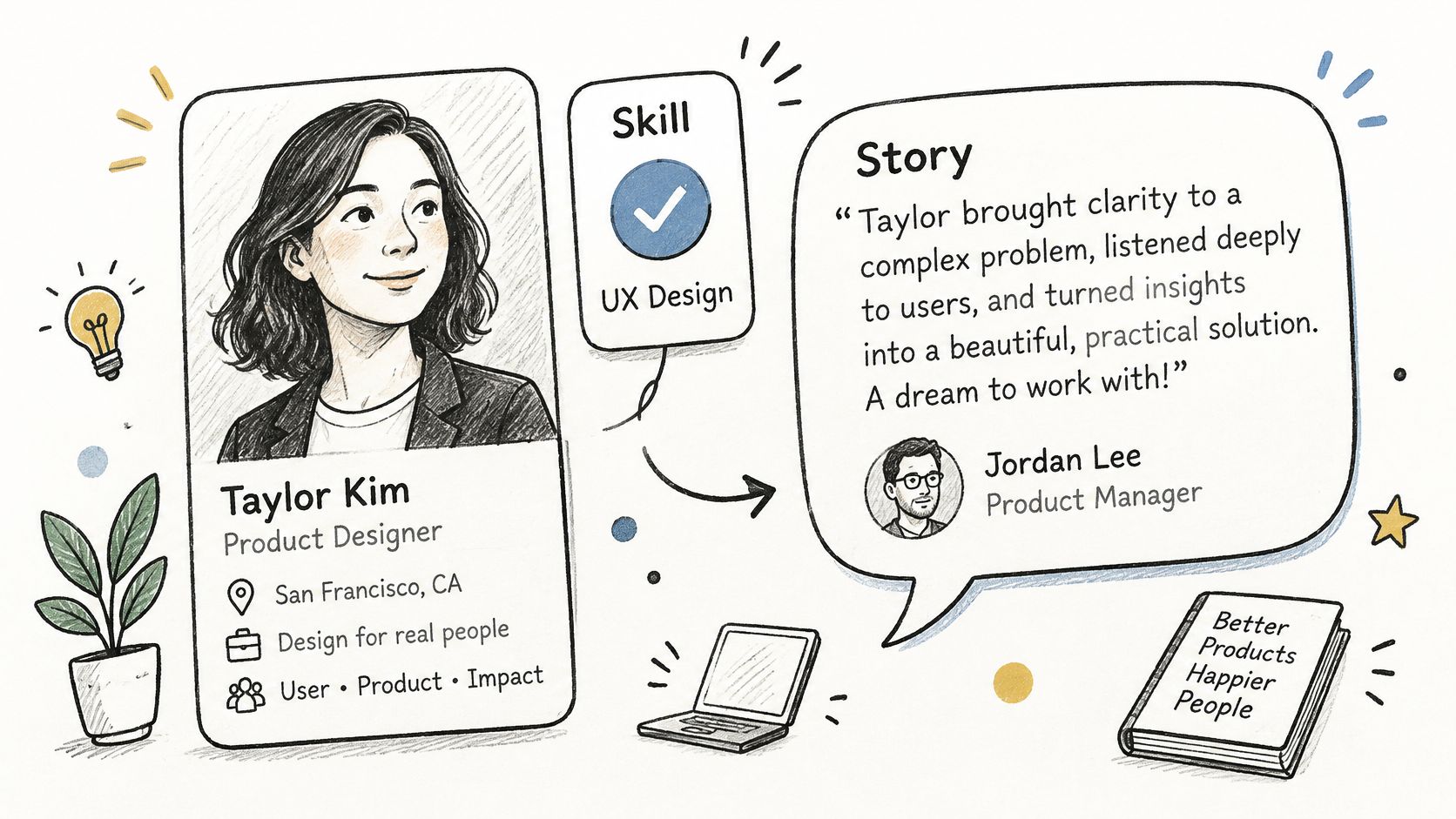
These are not the same thing, and treating them as equal produces weak profiles. An endorsement is a one click tag on a listed skill. A recommendation is a written account of working with you.
LinkedIn Learning help on endorsements says an endorsement validates a skill already listed on a profile, while a recommendation is a more substantive written assessment. It also means a contact can't endorse a skill you haven't listed yet. Add the skill first, then ask.
A Simple Rule for Choosing
- Endorsement fits light proof. A peer saw the skill once or twice and can vouch quickly.
- Recommendation fits trust decisions. Buyers, hiring managers, anyone risking money on you.
- Both fits your best relationships. Get the click first, then ask for words later.
Say a sales leader already has an endorsement from a former client. A month later she asks that client for a written recommendation about the deal cycle they ran together. Reasonable. Asking for both on day one is not.
When you do ask for words, offer a short draft they can edit. Busy people say yes to editing and no to blank pages. For structure, see how to write recommendations on LinkedIn. Keep the draft honest and short, with one result they can verify.
How the eight endorsement examples compare
| Item | Best for | Ask length | Main risk |
|---|---|---|---|
| Short endorsement request to a former manager | Getting a specific skill endorsed by someone who knows your work | Four sentences or fewer | May be ignored; one endorsement carries little weight |
| Endorsement request to a client after a finished project | Highlighting a specific service and its results | Short message | Client may not use LinkedIn skill labels or connect with vendors |
| Endorsing a colleague for a skill you have seen them use | Building goodwill through genuine, firsthand endorsements | No message needed | Mass endorsing can look automatic |
| Co-founder or early hire endorsing a founder | Showing a founder's credibility to investors, hires, or customers | Focused on one or two skills | Less persuasive if the endorser left on bad terms |
| Thank you reply after receiving an endorsement | Strengthening a professional relationship | Under three sentences | Can seem needy if overdone |
| Curating your skills list before asking for endorsements | Making relevant skills easier to find and endorse | No request needed | Removing skills may cost past endorsements |
| Endorsement from a past client on a specific deliverable | Attracting leads for a repeatable service | Simple, specific ask | May feel awkward if the project ended badly |
| Endorsement versus recommendation and when each fits | Choosing between quick skill validation and a detailed testimonial | Depends on the request; recommendations take more effort | Endorsements alone do not prove results |
Send Fewer Asks and Make Each One Count
Start this week with one person. Not ten. Pick the relationship where the work is freshest and the skill matters most for your next deal or role. Send three sentences. That's enough to learn whether your ask is clear.
If they say yes, thank them the same week and name something specific about their work. If they ignore it, don't chase twice. Silence is an answer, and pushing past it costs you goodwill you might need later.
Then look at your profile like a buyer would. Read only the top skills and ignore everything else for a minute. If those skills don't match the work you want next, fix the list before you send another ask. Endorsements collected on the wrong skills are worse than none. They steer search traffic toward work you've already quit doing.
Review the list every quarter. Cut skills tied to old roles. Hide endorsements that are inaccurate or stale. Move the skills tied to current revenue to the top and feed those with fresh asks after each finished project. It's boring maintenance. It works precisely because this step is often skipped.
Keep a plain tracker while you work. Name, skill asked for, date sent, outcome. You'll spot patterns fast. Managers from recent projects reply. Distant contacts don't. Small asks with a named result beat friendly blasts with no context. None of this needs a system more complex than a spreadsheet, and anyone selling you one is padding a simple task.
On the profile side, our Profile Optimizer checks your LinkedIn profile against 100M+ data points, and our Headline Generator helps tighten the line buyers read first. Use them to clean the page, then go earn proof from real people. Tools tidy the shop window. Endorsements from named humans who saw your work close the sale.
Your next endorsement should take two minutes to request and ten seconds to give, so clean your skills list, pick one fresh relationship, and send the short ask today. If you want your profile and posts working together, ViralBrain checks your profile, sharpens your headline, and helps you publish proof that matches the skills you want endorsed. Start there, then let real clients and managers supply the clicks that count.
Grow your LinkedIn to the next level.
Use ViralBrain to analyze top creators and create posts that perform.
Try ViralBrain free