
LinkedIn Profile Keywords That Actually Get You Found
Find and use LinkedIn profile keywords that get you seen by the right people. This no fluff guide shows you where to put them for real results in 2026.
Grow your LinkedIn to the next level.
Use ViralBrain to analyze top creators and create posts that perform.
Try ViralBrain freeMost LinkedIn keyword advice tells you to cram your profile with corporate phrases until it sounds like a broken HR chatbot. That's bad advice. LinkedIn profile keywords should help the right people find and understand you, not turn your profile into a word salad.
Founders, consultants, B2B marketers, sales leaders, and creators have a different problem from job seekers. You're not only trying to appear in recruiter searches. You want buyers, partners, investors, podcast hosts, and useful peers to recognize your expertise fast. Searchability matters, but credibility pays the bills.
Why Most LinkedIn Keyword Advice Is Useless
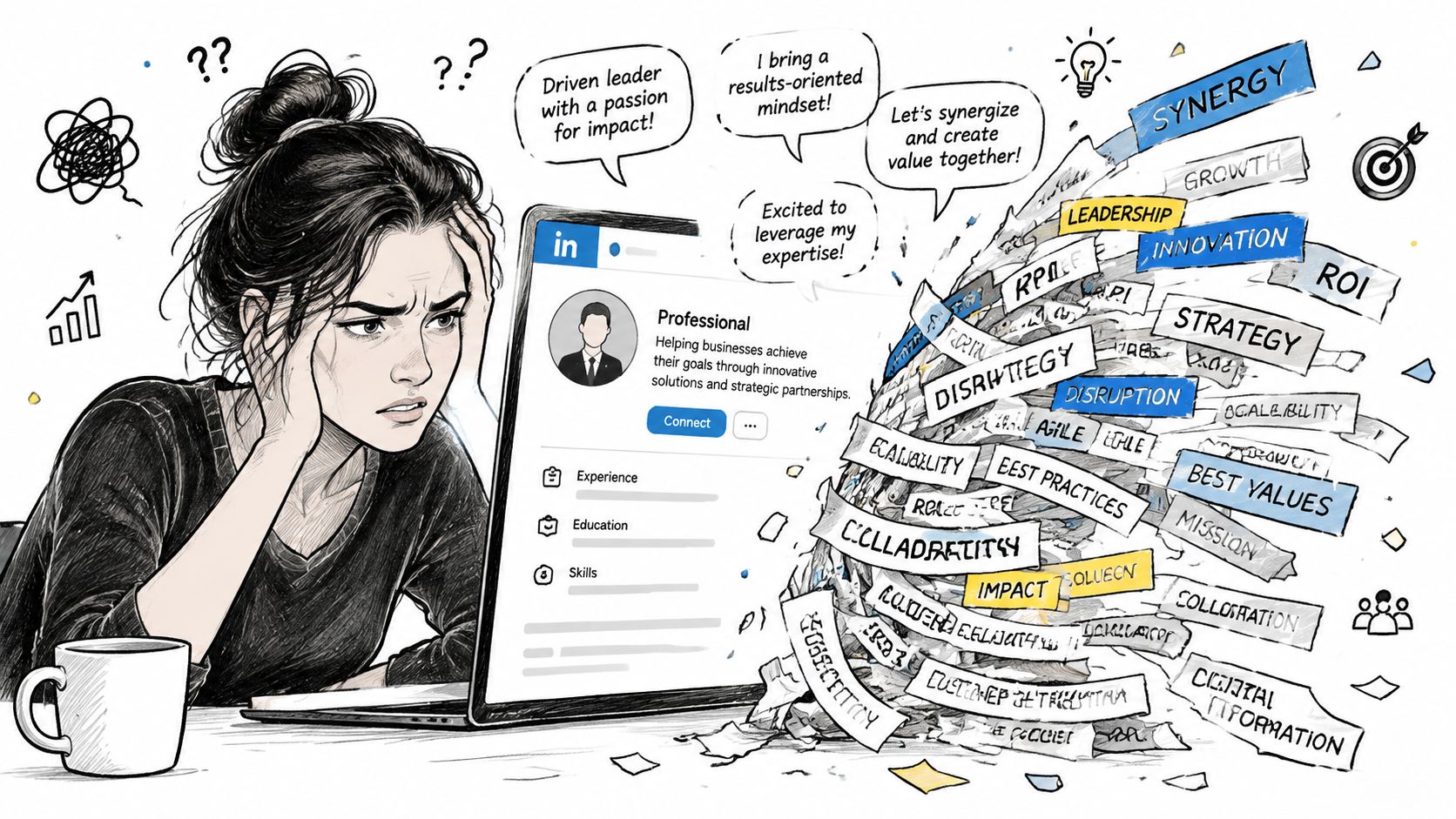
A common piece of LinkedIn keyword advice is to cram your profile with corporate phrases until it reads like a broken HR chatbot. That approach fails. LinkedIn profile keywords should help the right people find and understand you, not turn your profile into a word salad.
Keyword stuffing also hides the information a buyer needs. “Strategic growth leader,” “synergy,” “cutting-edge solutions,” and “cross-functional excellence” sound polished while explaining almost nothing. A prospect still cannot tell what you sell, who you help, or why a conversation with you would be useful.
The checklist approach creates another problem. Add keywords to the headline, paste a few into the About section, select some Skills, and wait for magic. LinkedIn is a search system, but your profile is a sales asset. Founders and B2B professionals need language that attracts clients, partners, investors, podcast hosts, and useful peers, not only recruiters. Search visibility matters. Relevance and trust turn that visibility into opportunities.
A focused keyword strategy can improve profile discovery in searches by 60%, while the first 40 words of the About section receive special attention for search indexing, according to this LinkedIn keyword SEO guide. Better discovery helps only when the visitors match your market.
Use buyer language, not résumé fog
A founder selling compliance software should not lead with “visionary entrepreneur.” Buyers may search for SOC 2 automation, vendor risk management, or B2B SaaS compliance. Those phrases identify a problem and a category. “Visionary” identifies someone who enjoys compliments.
For B2B professionals, useful keywords usually fit four groups:
- Role terms, such as founder, fractional CMO, revenue leader, or product strategist.
- Problem terms, such as pipeline generation, churn reduction, or sales enablement.
- Method terms, such as account based marketing, demand generation, or product led growth.
- Audience terms, such as SaaS founders, enterprise sales teams, or professional services firms.
Use the words your target audience uses for its needs. Place them where they fit naturally, and keep only terms that describe your actual work. If a keyword makes your profile sound less like you, remove it. Visibility that creates distrust is expensive noise.
How to Find Keywords People Actually Use
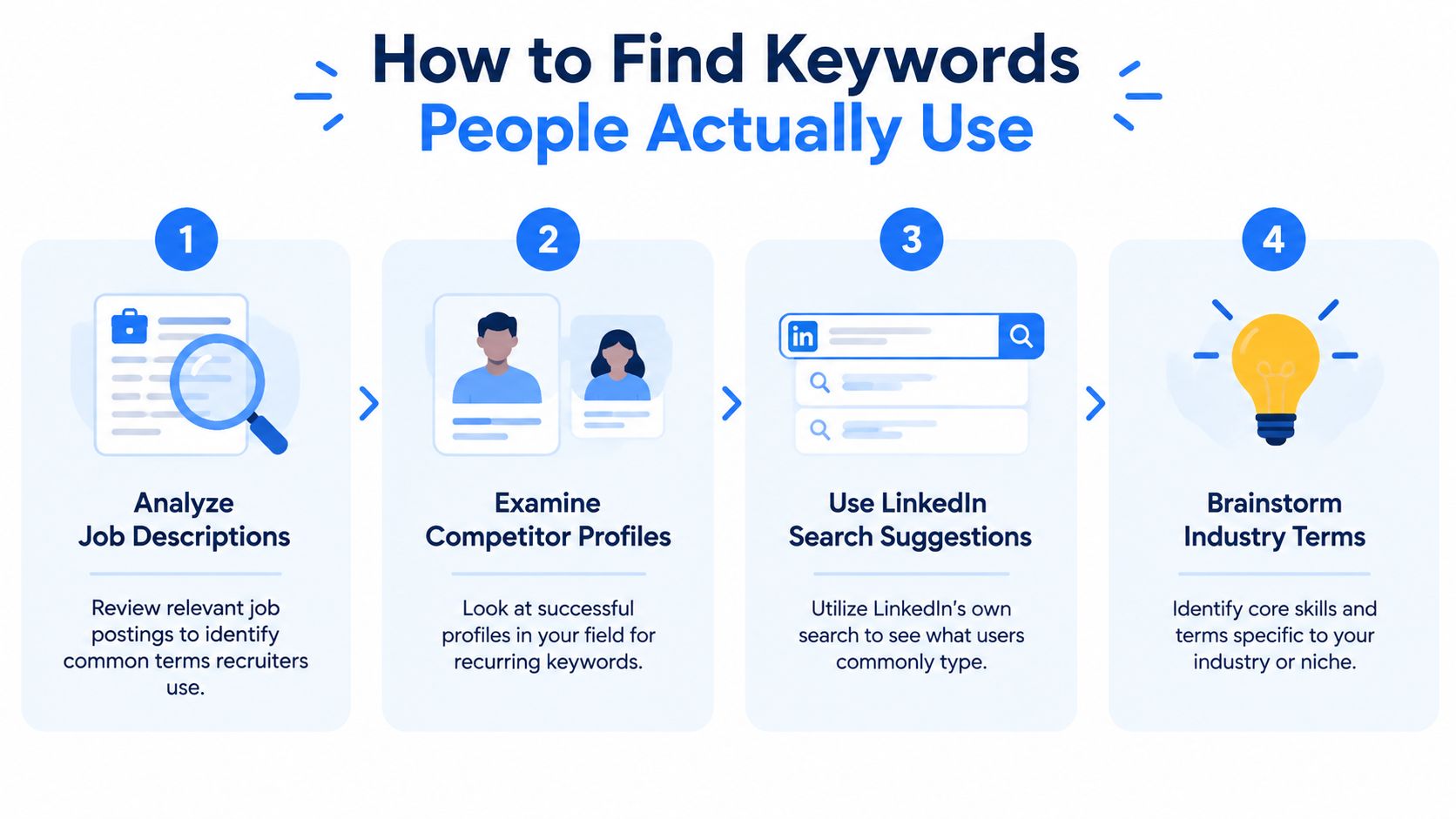
Stop guessing. Your industry has already published the language you need in job descriptions, client briefs, competitor profiles, and LinkedIn search suggestions. You only need to collect it without turning research into a second career.
Start with real descriptions
Pull terms from 3 to 5 target job descriptions, even if you're a founder or independent consultant. Job postings reveal how companies describe the work, the tools they expect, and the problems attached to the role. For a B2B creator, client websites and service pages can serve the same purpose.
Copy repeated terms into a working document. Separate exact phrases from loose ideas. “Demand generation” is a searchable phrase. “Helping businesses grow” is a pleasant sentence with very little search value.
Next, review 5 to 10 top ranking profiles for the role or niche you want to own. Look for repeated wording in headlines, job titles, About sections, Experience entries, and Skills. Don't copy a person's positioning. Study the vocabulary that appears across credible profiles.
LinkedIn search suggestions can add another layer. Type a core term into search and note the related phrases LinkedIn presents. These suggestions reflect how users frame searches inside the platform. Your own industry knowledge still matters, but search suggestions can expose terms you weren't using.
Consolidate instead of collecting forever
A practical workflow is to extract terms from 3 to 5 target job descriptions, review 5 to 10 top ranking profiles, then consolidate repeated words into a final set. You can monitor profile views for two weeks after making changes, as recommended in this LinkedIn keyword research workflow.
Group your final terms by priority:
- Primary terms, the phrases that define your role or offer.
- Supporting terms, the skills, tools, and methods that prove your fit.
- Audience terms, the clients, sectors, or company types you serve.
- Avoid terms, phrases that sound impressive but don't describe a real capability.
If you're applying for an operations role, RewriteBar's admin cover letter guide can help you notice the language employers use around administrative work. That language can inform your LinkedIn profile too, especially when your current title doesn't explain your responsibilities.
The final list should feel focused, not enormous. Repeated language gives you evidence. Your judgment decides what belongs on the profile.
Your Headline and About Section Done Right
Your headline is not a decorative label. It is a search field with a personality problem. “Founder at Acme” tells people where you sit, not what you solve for clients, partners, or buyers.
LinkedIn guidance identifies the headline and job titles as strong search signals and recommends using an exact target role alongside 2 to 4 key skills in its keyword prioritization guidance.
A better headline formula
Use this structure:
Role or target role, audience or niche, two to four specific skills
Weak:
Founder at Northstar
Stronger:
B2B SaaS Founder, Demand Generation and LinkedIn Content for Early Stage Teams
The second version names the role, market, service area, and work. A potential client can understand it without a decoder ring.
For sales professionals:
Enterprise Account Executive, Cybersecurity, Consultative Selling and GTM Partnerships
For a consultant:
Fractional CFO for SaaS Companies, Forecasting, Fundraising and Financial Operations
Use exact phrases that describe your work. Do not claim a title you have never held or a skill you cannot defend. Keywords earn attention. Your profile must earn the next click.
If the wording feels flat, the free LinkedIn headline generator tool from Extrovert can produce starting options. Treat its output as raw material. A generator can arrange words, but it cannot decide what your buyers value.
Make the first lines do real work
The first 40 words of your About section deserve careful editing because they are especially relevant to search indexing. Open with what you do, who you help, and the problem you solve.
Try:
I help B2B SaaS founders turn LinkedIn content into qualified conversations. My work combines demand generation, founder led marketing, and sales enablement.
That opening gives buyers useful search language without the usual “growth ninja” nonsense. It also positions you as a provider of a business outcome, not merely someone with a job title.
Continue with proof, process, and a clear invitation for clients or partners. Use the LinkedIn About section guide if your draft keeps turning into a biography nobody asked for. Keep the voice human. Add keywords where they clarify your offer, audience, or expertise, then remove any phrase that makes the paragraph sound assembled by a spreadsheet.
Weaving Keywords Into Your Experience and Skills
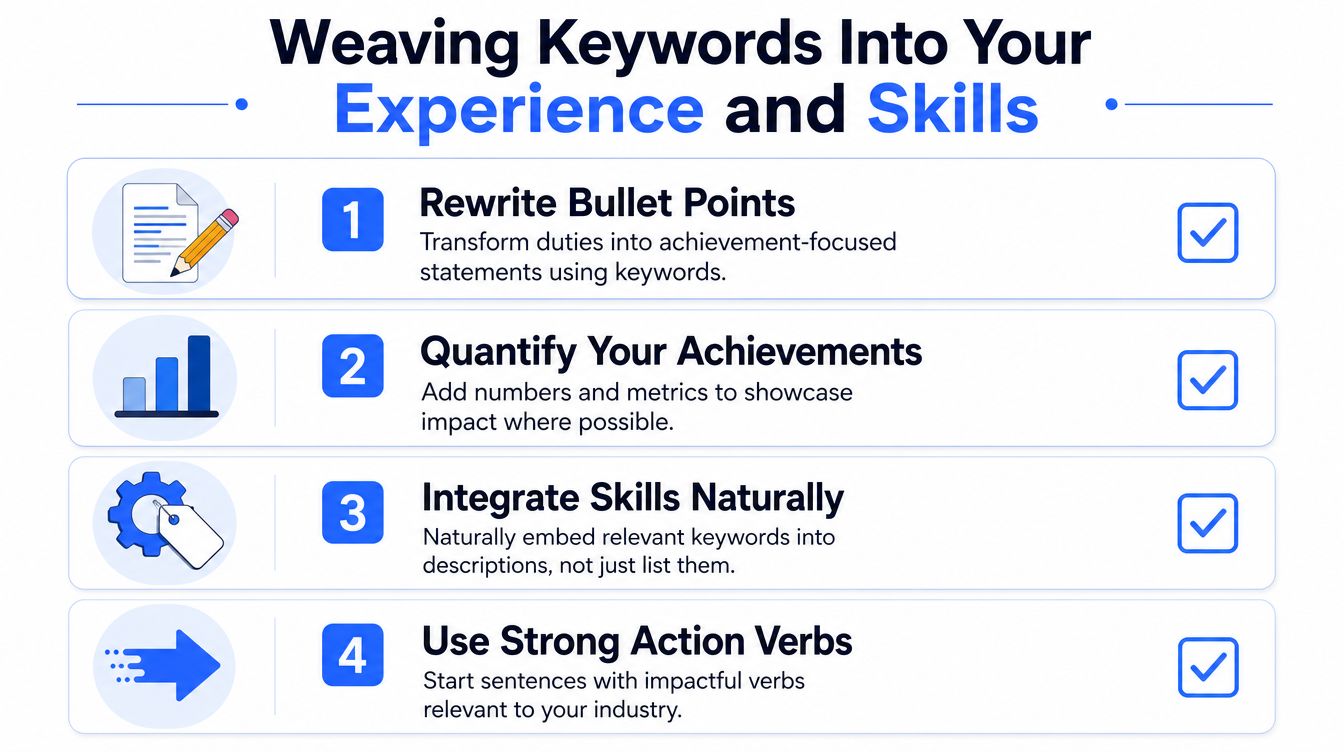
Your Experience section should explain what changed because you did the work. A list of duties gives readers a job description. A keyworded achievement gives them evidence.
Start each entry with a short description of the business context. Then describe the work using terms that match your target audience. A founder might write about B2B positioning, content strategy, and pipeline generation. A product leader might use product discovery, roadmap planning, and cross functional leadership.
Compare these two lines:
Managed marketing activities for the company.
Built a B2B content strategy covering founder led marketing, demand generation, and sales enablement.
The second line gives search systems more context. It gives people a clearer picture too.
Rewrite duties as proof
Use a simple pattern:
Action, work, business result
Include a real metric when you have one and can share it. Don't invent a result to make a bullet look more impressive. A vague success claim is still vague, even when it wears a suit.
- Lead: Lead product marketing for a B2B software company, connecting positioning, customer research, and launch planning.
- Built: Built a sales enablement library covering case studies, objection handling, and competitive research.
- Created: Created founder led content focused on demand generation, B2B growth, and buyer education.
- Advised: Advised professional services firms on pipeline strategy, outbound messaging, and account based marketing.
Place important terms in the role title when they remain accurate. Don't rename yourself from “Account Manager” to “Revenue Architect” because a branding coach liked the phrase. Add useful context only when it reflects the actual scope of the job.
Treat Skills as supporting evidence
Profiles with 5 or more skills are 27 times more likely to be found by recruiters, and guidance recommends adding 10 to 15 skills across tools, platforms, methodologies, and domain expertise, according to this LinkedIn keyword optimization guide.
For founders and B2B professionals, that mix might include:
- Tools, such as HubSpot, Salesforce, GA4, or Figma.
- Methods, such as demand generation, product marketing, or customer research.
- Platforms, such as LinkedIn, YouTube, or Webflow.
- Domain terms, such as SaaS, cybersecurity, fintech, or enterprise sales.
Keep the list relevant to the offer you want to attract. Then make those skills appear in your Experience and About copy too. A skill that appears in isolation looks like a claim. A skill supported by your work history looks credible.
You can use the LinkedIn skill recommender to identify possible additions, then remove anything you can't explain in a conversation.
The Sneaky Places to Add More Keywords
It's common to polish the headline, write an About section, then abandon the rest of the profile like a half assembled piece of furniture. That leaves useful search context sitting unused.
Your Featured section is a strong place to reinforce your positioning. Give each article, presentation, case study, or interview a plain title that includes the topic. “My latest thoughts” tells nobody anything. “B2B SaaS Demand Generation Playbook” tells a reader what they'll find.
Write a short description for each item. Mention the audience, problem, method, and relevant terms. A founder could describe a featured post as a guide to founder led marketing for early stage SaaS teams. A consultant could describe a presentation about revenue operations, CRM adoption, and sales forecasting.
Use Projects as evidence
Projects let you connect keywords to specific work. Describe the situation, your contribution, and the business area involved. Include terms such as customer research, product launch, sales enablement, or content distribution only when the project involved them.
Publications, certifications, volunteer experience, and organizations can add useful context too. A volunteer role in a nonprofit's digital fundraising program may support a profile focused on nonprofit marketing. A publication about procurement technology may reinforce a B2B software niche.
Give every section a job
Don't scatter random keywords into empty fields. Each section should answer a different question:
- Featured shows what you've made.
- Projects shows where you applied your skills.
- Publications shows what you know.
- Volunteer experience shows relevant work outside your paid role.
- Certifications confirms training or technical knowledge.
This creates a consistent profile. Search systems see related language across multiple areas. People see a coherent professional identity instead of a bag of keywords wearing a profile photo.
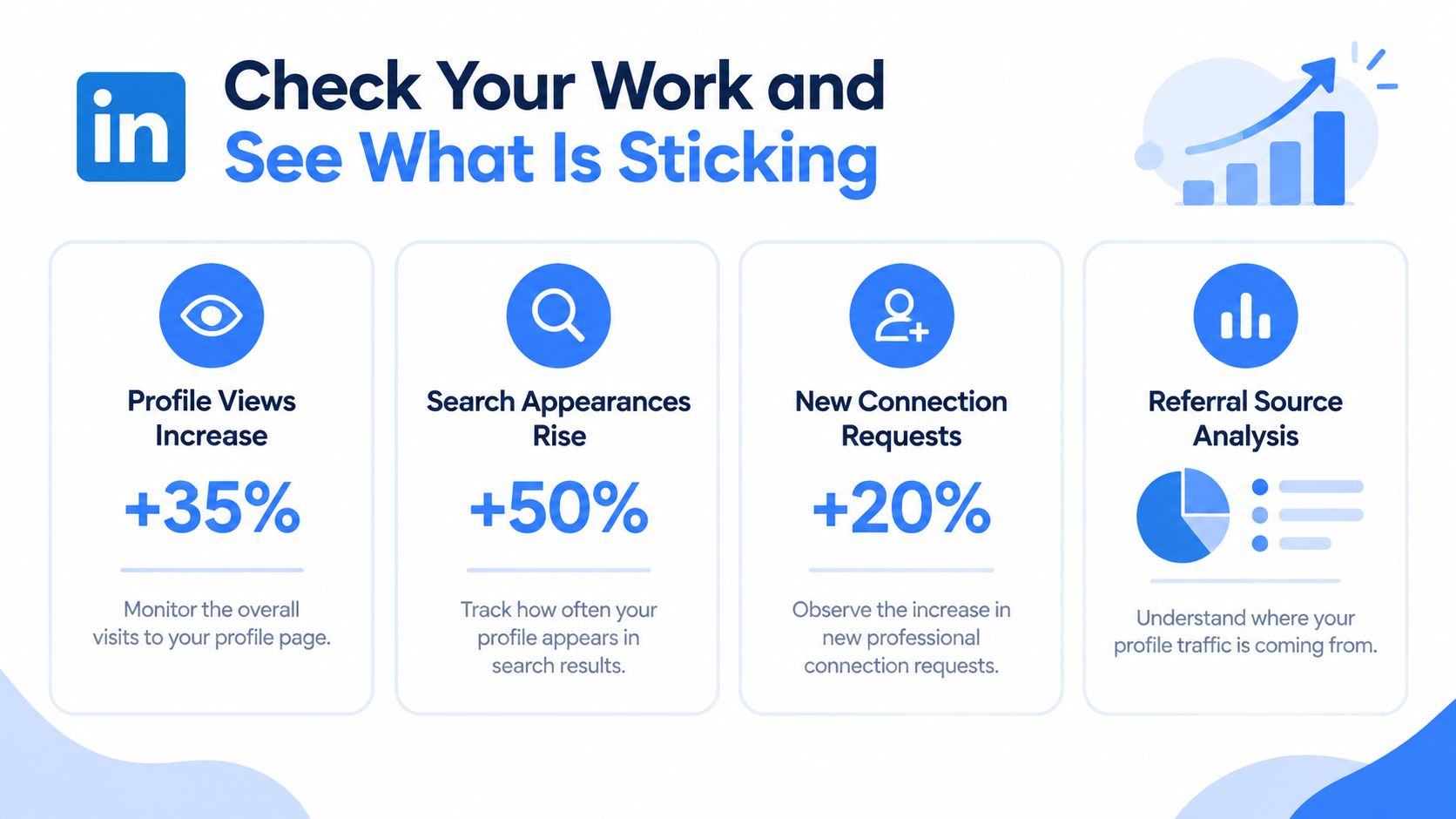
Check Your Work and See What Is Sticking
Editing your profile without checking the result is guesswork with better formatting. LinkedIn gives you useful signals through Search appearances and Who's viewed your profile. Use them to judge relevance, not to chase a flattering number.
Search appearances can show whether your profile is appearing for the kinds of searches you care about. Look for job titles, companies, industries, or terms connected to your target audience. A rise in appearances is less useful if the viewers have no connection to your offer.
Track quality, not vanity
Review your profile after the changes settle. Compare the people viewing you with the audience you want:
- Role fit: Are founders, buyers, marketers, or recruiters finding you?
- Company fit: Do the companies match your target market?
- Topic fit: Do connection requests mention the problem or skill you want to own?
- Conversation fit: Do visitors ask about relevant work, or do they seem confused?
The practical workflow cited earlier recommends monitoring profile views for two weeks after a keyword update. Use that period to observe patterns, not to declare a permanent verdict.
Make one change at a time
Change the headline first, then review the results. Adjust the About opening next. Later, refine Experience or Skills. If you rewrite everything at once, you won't know which change affected the audience.
A keyword checker can help you inspect your profile text for missing or overused terms. The LinkedIn keyword checker is useful for that audit, but your judgment still matters. A tool can spot repetition. It can't tell you whether your positioning sounds trustworthy.
Refresh your keywords when your offer, audience, or work changes. Keep a short record of the terms you added, the people who viewed your profile, and the quality of new conversations. The point isn't to become visible to everyone. It's to become easy to find for the people who should already know what you do.
ViralBrain helps founders, marketers, sales teams, and creators turn proven LinkedIn post patterns into drafts suited to their topic and voice, with tools for hooks, profile optimization, keyword checks, and analytics. Visit ViralBrain to sharpen your profile language, create consistent content, and make your expertise easier for the right audience to find.
Grow your LinkedIn to the next level.
Use ViralBrain to analyze top creators and create posts that perform.
Try ViralBrain free