
How to Write a Good LinkedIn Article That People Read
Learn how to write a good LinkedIn article with a sharp headline, clear structure, real examples, a useful CTA, and simple analytics to track results.
Grow your LinkedIn to the next level.
Use ViralBrain to analyze top creators and create posts that perform.
Try ViralBrain freeThe popular advice is to write a longer LinkedIn article. Add background. Add a career story. Add three extra tips so the piece looks finished. Readers do not stay for that. They stay when the first lines name a problem they already have and a claim they can use.
A useful article is a small test. You record what you expect, you publish one clear argument, and you check whether the right readers did more than scroll.
Why Most LinkedIn Articles Get Ignored
Length does not buy attention. LinkedIn's publishing limits make the mistake obvious. A post stops at 3,000 characters. An article can reach 125,000 characters. That gap is for evidence and a process. It is not a dare to fill the box.
The weak draft is easy to spot. It opens with history nobody asked for. It repeats one idea across five paragraphs. It never states a claim a manager could accept or reject.
The reader gives it two lines, then scrolls. The paragraph that might have helped sits unread at the bottom, beside a soft pitch.
A long piece with no claim is a short post in a heavy coat.
The work that changes results is plain. Plan the reader and the problem. Write the headline and the opening. Build a body people can skim. Compare ways to draft. Set the search details and one ask. Measure the article against a baseline you wrote down first.
You leave with a process you can run again, and a plain way to tell whether the article worked.
Plan the Article Before You Write
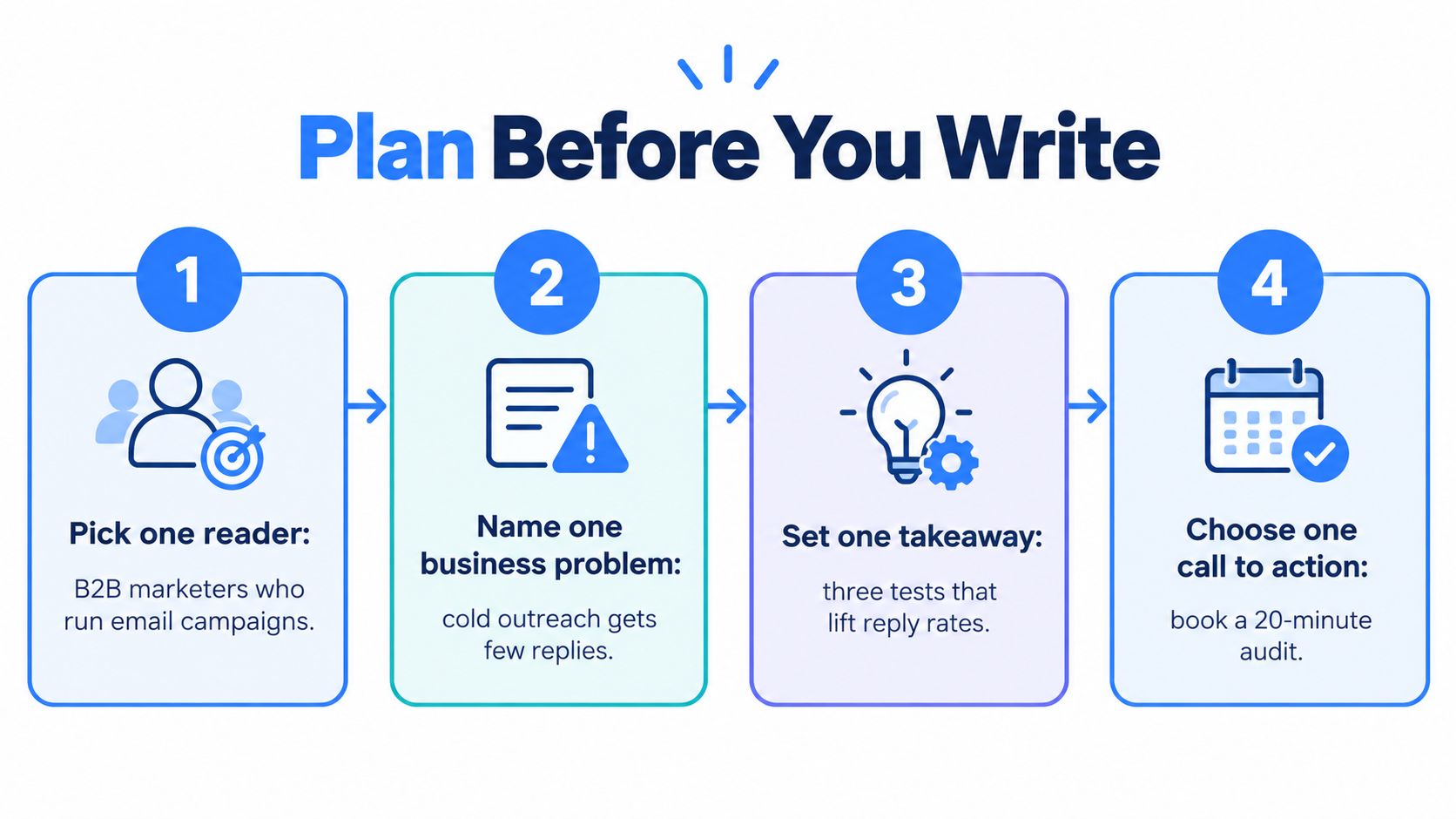
A LinkedIn article works better as a small experiment than as a blank-page exercise. Choose one reader, one business problem, and one claim you can test. A B2B marketer running outbound email, a founder selling on calls, and a sales leader coaching a team need different articles. Pick one audience; trying to serve all three usually blurs the point.
Name one problem and one claim
Write the problem in a line, such as cold outreach getting few replies. Then make a specific, defensible claim: “A clearer first line can give a cold email a better chance of earning a reply.” Support it with an example from your work, or make the article an honest test rather than presenting an assumption as fact.
For an email-focused article, define the three first-line tests before drafting: test a relevant trigger, test a concise value statement, and test a direct question. Keep the audience and offer consistent, then compare which version earns replies. These are examples to test, not a promise that one version will win. Put the reader, problem, claim, and evidence in order before writing.
Lock the takeaway and the baseline
Choose the takeaway and the ask while the page is still short. For the email example, the takeaway is to test different first lines against the same audience and offer. Keep the ask simple: “Which first-line test have you tried?” A specific question gives readers something useful to answer.
Before publishing, record the baseline fields you will use again: topic, impressions, and engagements. Those same fields belong in the measurement log, so you can compare articles without changing the yardstick halfway through. Set one primary success metric that fits the article's goal; likes alone do not tell you whether readers took the action you wanted.
LinkedIn publishing figures can provide context for the publishing environment, but a broad audience is no reason to make a broad claim. Choose a focused subject your intended reader can recognize.
Write three headline options and keep the one with the clearest business tension. Set a workable scope, perhaps 1,200 to 1,800 words across three to five sections, with a concrete example in each. A short post can state the claim and point to the article. The article should add proof, not just stretch the post.
If the topic is still fuzzy, use this guide to find content ideas, then narrow the result to one reader and one problem. Set the SEO title, description, and cover image before publishing too. They shape how the article appears in search and previews, so they are part of the writing job, not cleanup.
Write a Headline and Opening That Earn the Read
The headline and the first two lines decide the read. Most writers polish the middle and rush both.
The weak line and the rewrite
Weak headline. Tips for writing better on LinkedIn.
Strong headline. Your LinkedIn article loses the VP before the third sentence.
The weak title has no reader and no problem. The strong title names who leaves and when. Write three options the same way. One with a specific promise. One with a number from your own work. One with tension between two beliefs. Keep the line a senior reader could argue with.
What the first lines must do
Weak opening. In this article I will share some thoughts on content and why it matters for your business.
Strong opening. Most LinkedIn articles bury the claim under a warm up. This one is for B2B marketers who need a VP to finish the piece. The fix is a claim in line one, proof in the next section, and one action at the end.
Cut any sentence that promises an explanation and then withholds it. Cut "I wanted to share" and "there are many things to consider." Those lines spend the only attention you get.
A feed headline can stay sharp. The search title, covered later, can be plainer and more descriptive. Do not force one line to do both jobs.
The same standard sits behind a strong hook. Read the three headlines out loud. Publish the one with the most tension and the least cuteness.
Structure the Body So Readers Can Skim and Stay
Busy people scan. If a section hides the point, they skip it and keep a worse view of the author.
Nielsen Norman Group research on web usability puts numbers on that habit. Concise writing raised measured usability by 58 percent. Scannable writing raised it by 47 percent. Objective writing raised it by 27 percent. Using all three produced a 124 percent improvement. Treat those as edits, not theory.
One job per paragraph
Give each paragraph one job. Keep it to one to three sentences. Put the result in the first sentence of the section.
Before. There are many factors to consider when you think about outreach.
After. Reply rates moved after the first line changed, not the product paragraph.
The before sentence announces a thought. The after sentence reports a result. Delete the announcement. Promotional language fails the same test. If a line sounds like a brochure, rewrite it as a fact or cut it.
Headings that act like a map
"Key insights and considerations" is wallpaper. "What changed in the first line" tells the reader where to stop. Name the change, the test, or the decision.
One short scene can hold a section. A founder pastes the same intro into 40 emails and gets two replies. You show the old line, the new line, and what came back the next week. That scene is the example. A blockquote can hold the line you want kept.
Change the first line before you touch the offer.
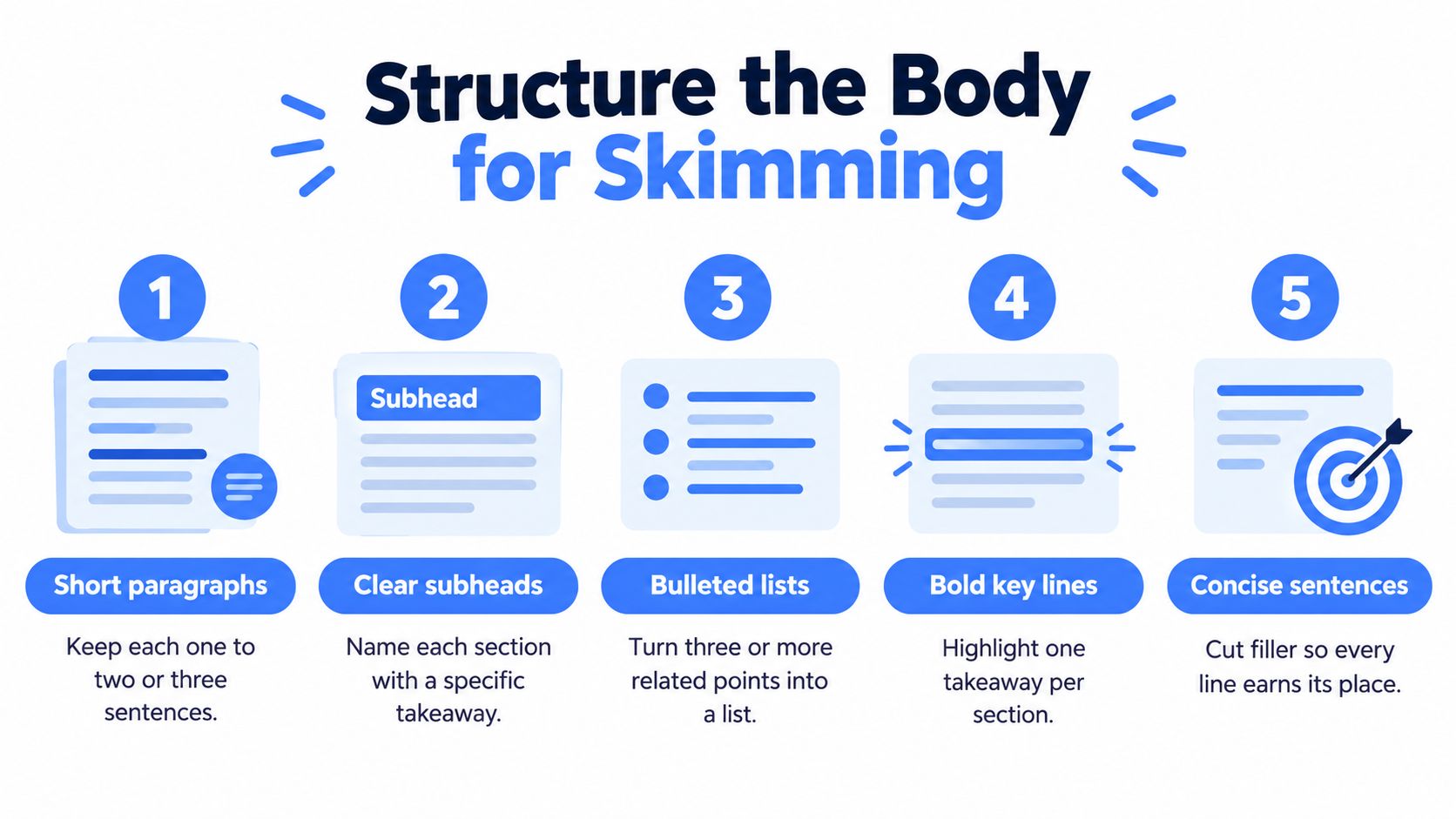
Bold one takeaway in a section, not every other sentence. A list helps when you have three parallel points. It hurts when it is a paragraph chopped at random.
Choosing Between Manual Drafting and AI Tools
The first draft can come from four places. A blank page. A swipe file of posts you saved. A general AI chat. A pattern tool trained on a niche. The draft is not the article. The source of the patterns is what changes the risk.
LinkedIn's B2B research reports that 95 percent of B2B marketers use AI at least weekly and 65 percent use it daily. A generic AI draft is now normal. Normal does not stand out.
| Approach | Where the patterns come from | Editorial control | Main risk |
|---|---|---|---|
| Blank page | Your notes and memory | Full | Slow drafts that repeat your old habits |
| Swipe file | Posts you already saved | High | Every piece starts to sound like the same post |
| General AI chat | A broad model with no niche sample | Medium, if you edit hard | Claims that could belong to anyone |
| ViralBrain | High performing posts from creators in your niche | You still own the final claims | Shipping a generated draft before you add proof |
A blank page costs the most time and protects your voice only if you already have a sharp thesis. A swipe file is faster and narrower. A general chat is fast and bland unless you throw out most of it.
ViralBrain is an AI powered LinkedIn content platform. It studies high performing posts from creators in a niche, surfaces the hooks, structures, and calls to action behind them, and drafts with tone personalization. The studio includes a hook library, Smart Suggestions, a profile optimizer, analytics, saved drafts, and post previews. Manual posting is supported today.
Whichever approach you pick, you keep the thesis, the examples, the evidence, and the final claims.
Use a tool for outlines, pattern checks, and cuts. Do not hand it the point of view. One firsthand scene, one market tension, and one claim a reader could prove wrong belong to you.
Format, Visuals, and Calls to Action That Work
A strong article needs two clear promises: one for the feed and one for search. Write an on-platform headline to earn attention in the feed, then tailor the SEO title and description so someone finding the article later can tell what it covers. Treat these as part of the writing, not cleanup after publication.
The search layer and the cover
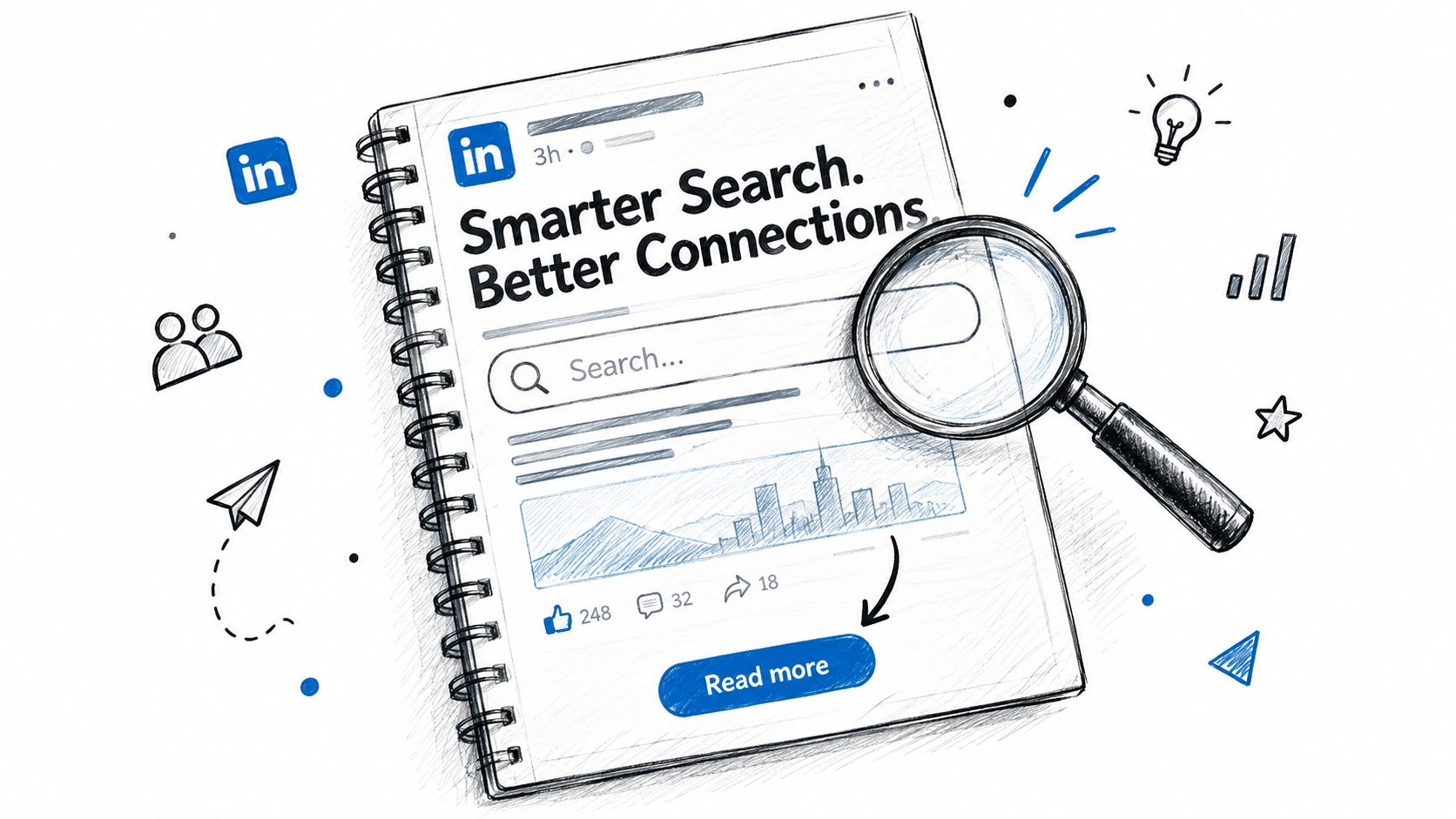
LinkedIn's newsletter guidance recommends clear edition headlines, customized SEO titles and descriptions, a 1920 by 1080 pixel cover image, and sharing through email or other social platforms. Write the description for someone who missed the launch-day feed, with enough detail to make the article's subject clear.
Choose a cover that signals the article's subject at a glance. A photo of you beside the central claim is a sensible option to test against a plain template. Keep the image relevant; decoration that adds no context uses space without helping the reader understand the piece.
For the body, add one subheading every three to four paragraphs. Each should tell readers what the next group of paragraphs explains, so they can skim without losing the argument. Use bold sparingly to emphasize a key line, and place an image after the introduction only when it supports a point.
Ask readers to do one thing. A low-friction prompt can invite a contrasting experience: “Reply with the test that failed for you.” Multiple requests compete for attention. One clear ask gives you a focused thread to answer.
Set a publishing pace you can sustain, such as one strong article every two weeks, or one a month when client work is heavy. Track a baseline before treating changes in results as meaningful. After publishing, share the article in a related feed post, a newsletter, or an email signature. Then respond to comments that raise a real objection. That is promotion, not a second article.
Measure Results and Take Your Next Step
LinkedIn analytics separates impressions from engagements. Impressions count how often a post appeared on screen. Engagements include reactions, comments, saves, sends, and reposts. Engagements people later remove, such as deleted comments, are subtracted.
High impressions with weak engagement usually mean a soft argument or a vague opening. Fewer impressions with stronger engagement often mean a clearer problem for a smaller group. Likes can show that a line landed. They do not show pipeline.
Keep one log per article. Topic, opening claim, format, publish date, impressions, engagements. Use the same date range every time. Change one major variable, such as the opening or the structure. The baseline from the planning step is what makes that log mean something. Without it, a good week and a quiet week look the same.
The field definitions are spelled out in how to read LinkedIn post analytics. This week, take an article you already published. Rewrite the headline and the first lines with the planning rules and the headline test above. Record the baseline, then publish the revision.
ViralBrain helps you study hooks and structures that already earn attention, then draft a LinkedIn article in your own tone instead of staring at a blank page. Use it to test a thesis, keep the proof in your hands, and see the post before you publish. Visit ViralBrain and build the next piece around a claim you can defend.
Grow your LinkedIn to the next level.
Use ViralBrain to analyze top creators and create posts that perform.
Try ViralBrain free